mapp Services V5.16
Connecting MpLink
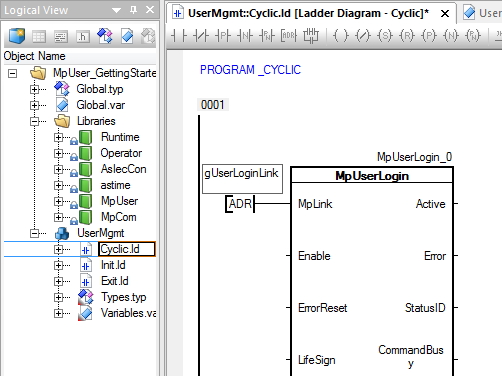
First, input "MpLink" is connected to the MpLink previously created in the Configuration View. Its address is transferred to the function block.
Enabling the component
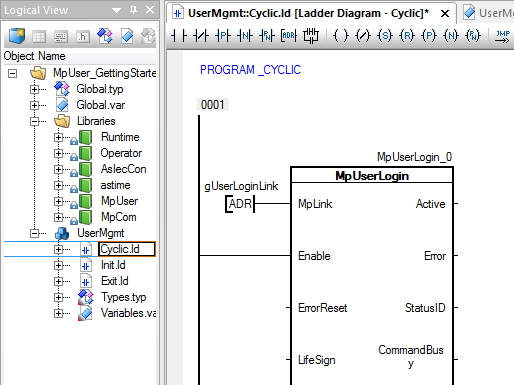
The component is enabled by setting input "Enable". This is indicated by output "Active".
Connecting the user and password
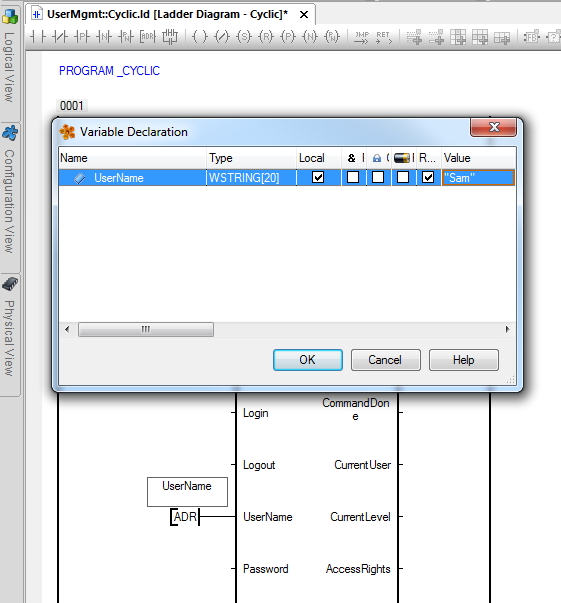
Create two variables for user and password and connect them to the mapp component. First, create a variable for the user Sam and connect it.
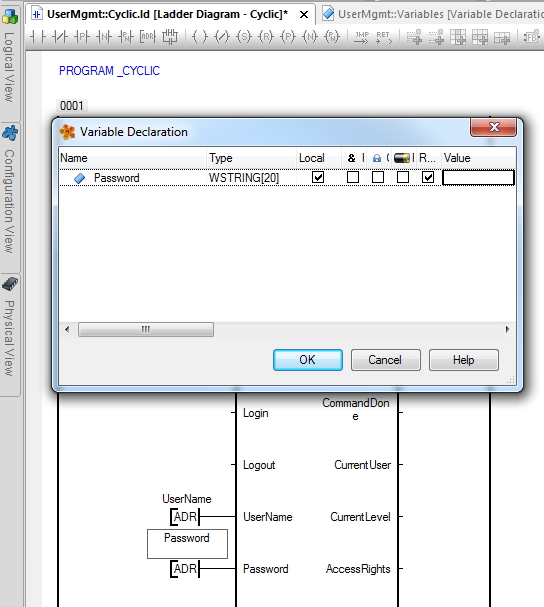
Then connect a variable for the password.